



Prometheus是一款开源的监控和警报系统,由SoundCloud开发并于2012年首次发布。它被广泛用于收集、存储和查询各种应用程序和系统的指标数据。Prometheus的设计目标是实现高度可靠的监控,具有简单的配置、可扩展性和可靠性。
初始化环境
更新系统:
yum update安装必要的软件包:
yum install -y wget tar下载和配置Prometheus
创建用于存储Prometheus的目录:
mkdir /opt/prometheus
cd /opt/prometheus下载Prometheus的最新版本,目前官方预发布版本是2.49.0-rc.1 / 2023-12-19,我们使用2.45.2 / 2023-12-19 LTS这个版本:
wget https://github.com/prometheus/prometheus/releases/download/v2.45.2/prometheus-2.45.2.linux-amd64.tar.gz解压下载的文件:
tar -xvf prometheus-2.45.2.linux-amd64.tar.gz进入解压后的目录:
cd prometheus-2.45.2.linux-amd64创建一个用于存储数据的目录:
mkdir data编辑prometheus.yml文件vi prometheus.yml:
global:
  scrape_interval:     15s
  evaluation_interval: 15s

scrape_configs:
  - job_name: 'prometheus'
    scrape_interval: 5s
    static_configs:
      - targets: ['localhost:9090']
配置Prometheus作为系统服务
创建一个systemd服务配置文件:
vi /etc/systemd/system/prometheus.service添加以下内容到文件中:
[Unit]
Description=Prometheus
Documentation=https://prometheus.io/docs/introduction/overview/
After=network-online.target

[Service]
ExecStart=/opt/prometheus/prometheus-2.45.2.linux-amd64/prometheus \
  --config.file=/opt/prometheus/prometheus-2.45.2.linux-amd64/prometheus.yml \
  --storage.tsdb.path=/opt/prometheus/prometheus-2.45.2.linux-amd64/data
Restart=always

[Install]
WantedBy=default.target重新加载systemd配置:
systemctl daemon-reload启动Prometheus服务:
systemctl start prometheus配置Prometheus开机自启动:
systemctl enable prometheus验证Prometheus安装
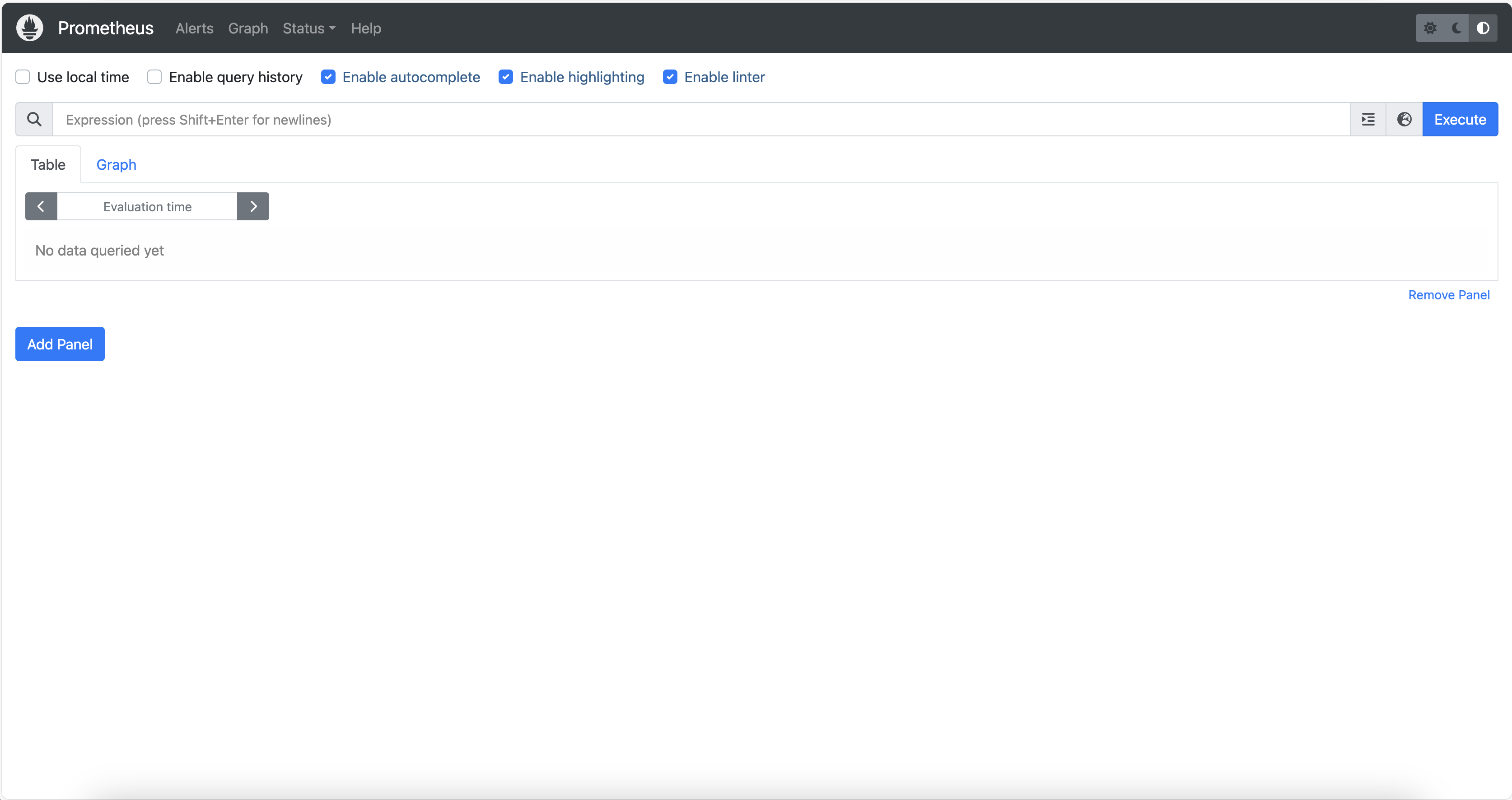
打开Web浏览器,访问http://服务器IP地址:9090,在Prometheus的Web界面上,您应该看到Prometheus的控制台。
评论 (0)